The KODAK Slide N Scan Max is a compact film scanner for turning selected slides and negatives into digital files, with support for three film formats and direct SD-card saving.
This kodak slide n scan max review looks at its hands-on workflow, resolution claims, and the buyers likely to benefit most.
Slide N Scan Max Review Summary
The quick verdict
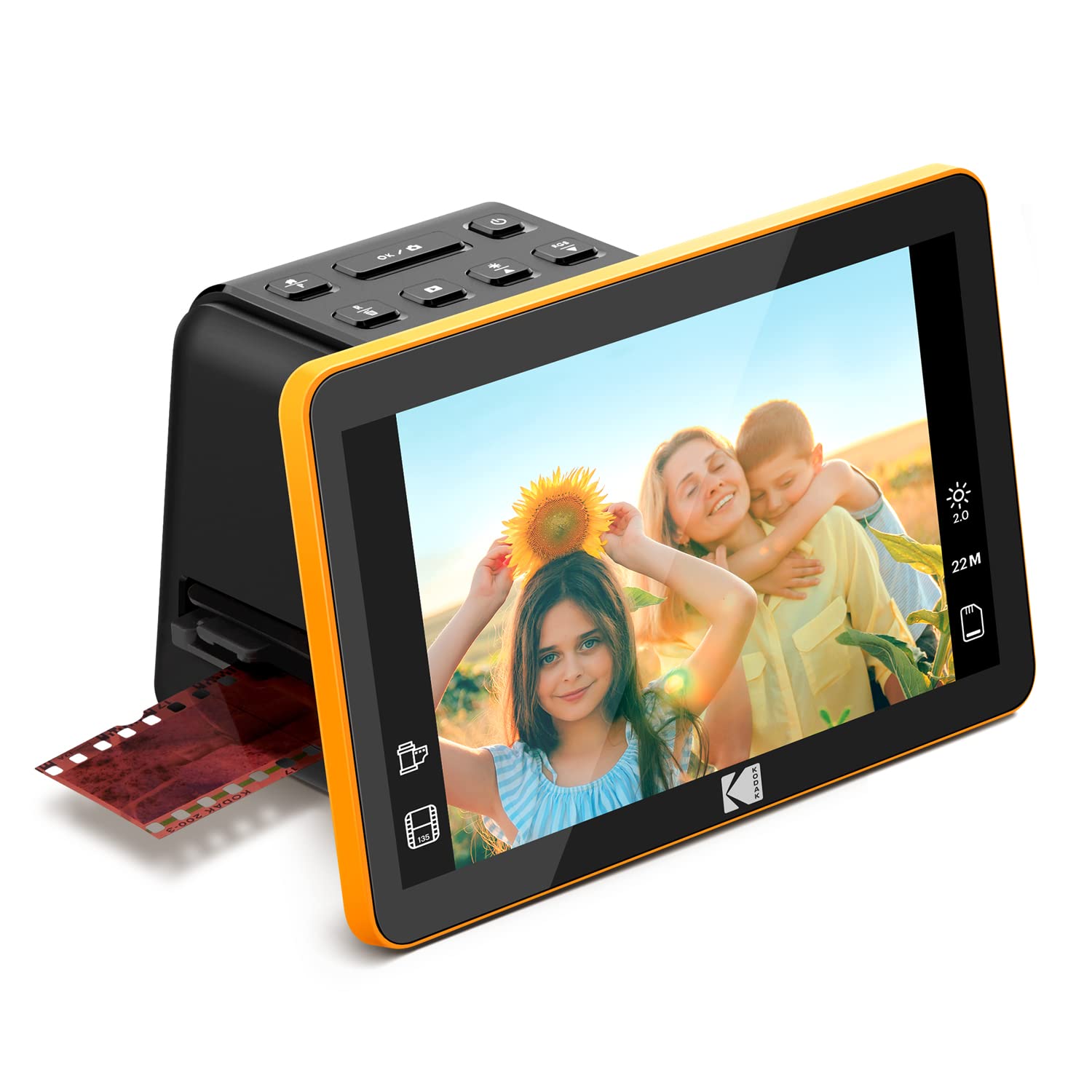
1,000+ ratings
Read Amazon ReviewsKODAK Slide N Scan Max
A practical fit for families digitizing 135, 110, or 126 film who want direct SD-card saving and straightforward on-device edits.
- Supports 135, 110, and 126 film formats, including slides and color or black-and-white negatives.
- Uses a smooth-moving tray intended to feed film without constant repositioning.
- Saves directly to SD or SDHC cards up to 32GB, so a computer is not required for the saving workflow.
- Combines a 13MP CMOS sensor with 22MP interpolation for images up to 4208 × 3120.

Pros
- Direct card saving keeps the basic digitizing process independent of a computer.
- Covers three common film formats and both slides and color or monochrome negatives.
Consider before buying
- The supported formats listed are limited to 135, 110, and 126 film; check your collection before choosing it.
- The 22MP figure uses interpolation, so it should not be read as a native sensor resolution.
Read the full review summary
The Slide N Scan Max combines a feed-through tray, one-touch editing, and standalone saving to an SD or SDHC card up to 32GB.
Its 13MP CMOS sensor produces output up to 4208 × 3120 through 22MP interpolation, giving family archivists a defined digitizing workflow without requiring a computer for saving.
It is best suited to someone with 135, 110, or 126 slides and color or black-and-white negatives who values a simple process over extensive editing controls.
The compact body and included one-year limited warranty add practical appeal, while the product details identify Windows 7 as a minimum system requirement for computer use.
The buying factors
Slide N Scan Max Scorecard
Editorial scores reflect listed features and buyer fit; they are not laboratory measurements or customer ratings.
Film format coverage
Handles 135, 110, and 126 formats, plus both slides and color or black-and-white negatives.
Standalone workflow
Direct saving to supported SD and SDHC cards lets scanning proceed without a computer in the workflow.
Loading convenience
The smooth-moving tray is designed to feed film with less frequent repositioning.
Image output options
A 13MP CMOS sensor and 22MP interpolation support output up to 4208 × 3120.
Editing simplicity
One-touch resizing, conversion, and adjustment favor approachable operation.
System flexibility
A computer connection is listed, but Windows 7 is the only stated minimum system requirement.
Key Features and Specifications of Slide N Scan Max
- Supports 135, 110, and 126 film formats, including slides and color or black-and-white negatives.
- Uses a smooth-moving tray intended to feed film without constant repositioning.
- Saves directly to SD or SDHC cards up to 32GB, so a computer is not required for the saving workflow.
- Combines a 13MP CMOS sensor with 22MP interpolation for images up to 4208 × 3120.
- Offers one-touch resizing, conversion, and image adjustment through its capture software.
- Compact dimensions are 6.69 × 5.35 × 4.45 inches; listed weight is 16 ounces.
- Includes USB connectivity and a one-year limited warranty; the listed minimum system requirement is Windows 7.
Pros and Cons of Slide N Scan Max
Pros
- Direct card saving keeps the basic digitizing process independent of a computer.
- Covers three common film formats and both slides and color or monochrome negatives.
- A moving tray is designed to make loading a sequence of frames more convenient.
- One-touch edit functions keep routine resizing and conversion approachable.
Consider before buying
- The supported formats listed are limited to 135, 110, and 126 film; check your collection before choosing it.
- The 22MP figure uses interpolation, so it should not be read as a native sensor resolution.
- For a computer-based workflow, confirm the scanner's compatibility with your current operating system before purchase; Windows 7 is the minimum requirement specified.
Who Should Buy Slide N Scan Max?
Good fit
Consider the Slide N Scan Max if your archive is mostly 135, 110, or 126 slides and negatives, and your priority is getting files onto a memory card with minimal setup.
Direct SD saving and one-touch editing make it a straightforward option for occasional home archiving, especially when the source film is already sorted and ready to feed.
It also makes sense for buyers who want a compact scanner that can handle color and black-and-white negatives as well as slides.
The output specification reaches 4208 × 3120 using a 13MP sensor with interpolation; think of that as the device's stated output ceiling, and consider your intended viewing and printing needs when deciding whether it is suitable.
Before buying, confirm you have a compatible SD or SDHC card within the 32GB limit and that your film formats match. If you plan to connect it to a computer, check operating-system compatibility for your setup.
Who should skip it
Look elsewhere if your collection is primarily in a format outside 135, 110, or 126, or if the specified SD/SDHC capacity ceiling does not fit your planned archive.
It may not be the right choice if you require a computer-led editing workflow and have not confirmed compatibility with your operating system.
What the Slide N Scan Max Means for a Home Archive
A feed-through workflow for batches
The moving tray is intended to advance film without constant repositioning, which can make a stack of frames less fiddly to work through.
Its value depends on the condition and arrangement of your film, so prepare and sort frames before scanning to keep the session moving.
Formats define the fit
Support for 135, 110, and 126 film gives the scanner a useful spread for mixed family collections, and it handles slides alongside color and black-and-white negatives.
Check the format markings on your film before committing, particularly if the archive includes less common stock.
Output resolution and interpolation
The 13MP CMOS sensor and 22MP interpolation are paired with an output maximum of 4208 × 3120.
Interpolation expands the output dimensions, so buyers choosing a scanner for detailed enlargements should weigh that specification against how they intend to view, share, or print the resulting files.
Direct saving, with a card limit
Saving to SD or SDHC cards up to 32GB supports a computer-free capture routine and can simplify moving image files to another device later.
Check card availability and capacity against the size of your archive, and plan to transfer files periodically if you expect a large scanning project.
Alternatives to Slide N Scan Max
Slide & Negative Scanners alternative
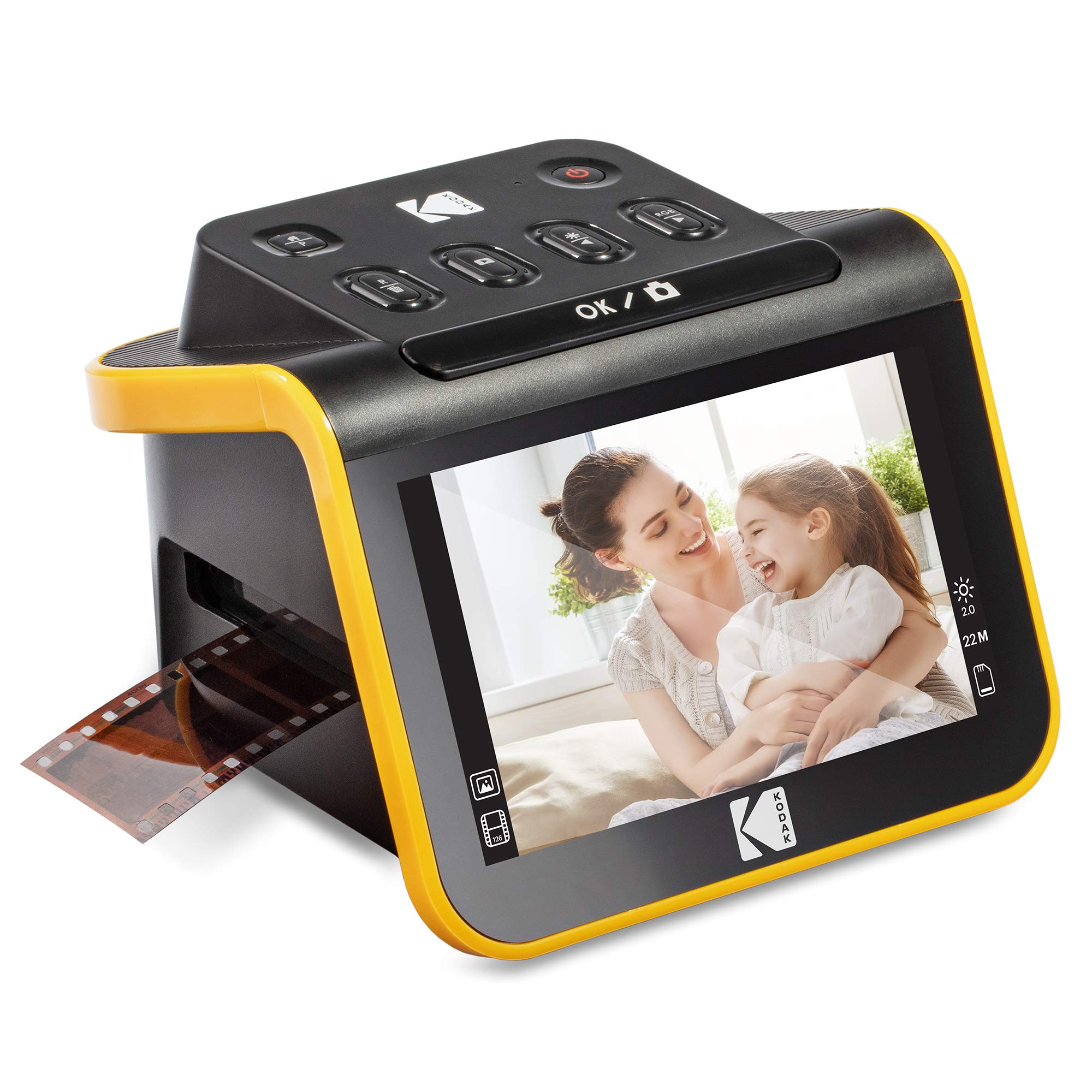
12,000+ ratings
Read Amazon ReviewsKODAK Slide N Scan with 5-inch LCD
Choose the Max for its stated output dimensions and straightforward capture workflow. Consider the 5-inch LCD model if seeing and editing images on a larger built-in screen is a priority.
- This KODAK scanner supports 135, 110, and 126 film and slides, saves to SD or SDHC cards up to 32GB, and includes a 5-inch LCD for previewing and editing.
- Its listed features also include gallery mode and film adapters.
- The Slide N Scan Max saves directly to SD or SDHC cards up to 32GB and provides one-touch editing, with output up to 4208 × 3120.
Slide & Negative Scanners alternative
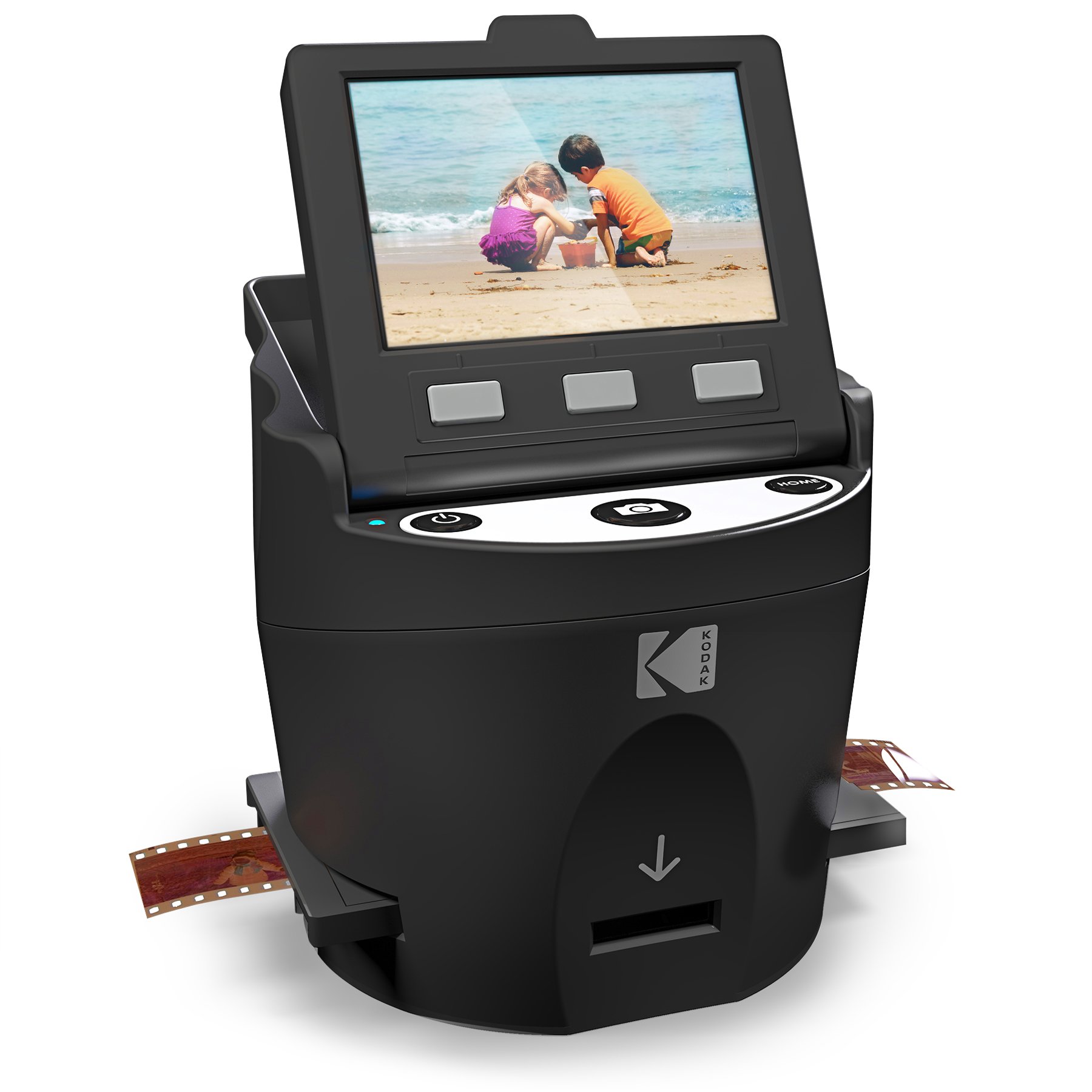
11,000+ ratings
Read Amazon ReviewsKODAK SCANZA Film & Slide Scanner
The Max is a fit for buyers whose collection centers on its three supported formats and who want direct card saving.
Consider the SCANZA if Super 8 or 8mm support, a built-in display, or a higher stated card-capacity limit better matches your archive.
- The SCANZA handles 35mm, 126, 110, Super 8, and 8mm film, and includes a 3.5-inch adjustable-brightness LCD, film inserts and adapters, and support for SD cards up to 128GB.
- The Slide N Scan Max supports 135, 110, and 126 film, with direct SD/SDHC saving up to 32GB and a tray designed for continuous feeding.
Is Slide N Scan Max Worth It?
The KODAK Slide N Scan Max is worth considering for home archivists with 135, 110, or 126 film who want a compact scanner, simple edits, and direct SD-card saving.
Its format coverage and moving tray make the workflow appealing for batches of family slides and negatives.
Before choosing it, weigh the 32GB card limit, confirm your film formats, and treat the 22MP interpolated output as an output specification rather than a native sensor rating.
If those tradeoffs suit your project, the Max offers a practical, approachable way to digitize a personal collection.
Your review at a glance
1,000+ ratings
Read Amazon ReviewsKODAK Slide N Scan Max
A practical fit for families digitizing 135, 110, or 126 film who want direct SD-card saving and straightforward on-device edits.
- Supports 135, 110, and 126 film formats, including slides and color or black-and-white negatives.
- Uses a smooth-moving tray intended to feed film without constant repositioning.
- Saves directly to SD or SDHC cards up to 32GB, so a computer is not required for the saving workflow.
- Combines a 13MP CMOS sensor with 22MP interpolation for images up to 4208 × 3120.